 RPad
RPadPress kit
Everything you need to write about RPad. Questions, interviews or promo codes: nurhakaltin@gmail.com.
Fact sheet
| App | RPad – Remote Trackpad |
|---|---|
| Developer | Nurhak Altin (independent developer, the Netherlands) |
| Platforms | Controllers: iPhone and iPad (iOS 17 or later), Apple Watch (watchOS 10 or later), Android phones and tablets (Android 8.0 or later). Computers: Mac (macOS 14 Sonoma or later), Windows PC (Windows 10 version 1809 or later, Windows 11), Linux PC in beta (X11 and Wayland, glibc 2.35 or later). Any iPhone, iPad or Android device can control any of these computers. |
| Price | Free to try for 7 days, then a US$5.99 one-time purchase (€6.99 in the Eurozone) covering iPhone, iPad, Apple Watch and Mac. No subscription. The Mac app is free. RPad for PC (Windows and Linux, one licence key) is a separate purchase: free for 7 days, then US$9.99 once for every PC the buyer owns. Android: free download with a 7-day trial, then RPad Pro as a one-time in-app purchase through Google Play (US$5.99 in the US, local prices elsewhere). |
| Languages | English, German, French, Spanish, Dutch, Turkish, Italian, Portuguese (Brazil), Japanese, Chinese (Simplified), Korean, Russian |
| Availability | On the App Store (iPhone, iPad and Apple Watch app; Mac app on the Mac App Store). RPad for Android on Google Play. RPad for Windows at rpad.app/windows, RPad for Linux (beta) at rpad.app/linux. |
| Privacy | No account, no analytics, no ads. Data not collected. |
| Website | rpad.app |
| Press contact | nurhakaltin@gmail.com |
Short description
RPad turns your iPhone, iPad or Android device into a wireless trackpad, keyboard and presentation remote for your Mac or Windows PC — and shows you the Mac's screen so you can tap right on it, open apps, run Shortcuts and put the Mac to sleep from the couch. Apple Watch remote, Apple Pencil drawing, a one-time code to pair and end-to-end encryption; free to try, then one purchase.
Long description
Most phone-as-mouse apps give you a small touch pad and a pointer that lags. RPad makes the whole screen a trackpad and brings over what makes a Mac trackpad feel right: pointer acceleration that is precise when you move slowly and crosses the display in one swipe, momentum scrolling, tap-and-drag, and three-finger gestures for Mission Control and Spaces.
RPad also works as a presentation remote. Present mode on iPhone and iPad changes slides in Keynote, PowerPoint and Google Slides, points at the screen and keeps a timer, and the Apple Watch app changes slides from your wrist, including with double tap. On iPad, Apple Pencil becomes a drawing tablet for the Mac with pressure and tilt. Every gesture and watch control can be remapped on the Mac.
Screen mode streams the Mac's display to the iPhone or iPad, so a tap, drag or two-finger scroll lands exactly where you see it, and a screenshot of the Mac is one button away. The Mac panel lists running and installed apps with their icons to open or quit, runs the Mac's Shortcuts, and locks, sleeps, restarts or shuts the Mac down — with confirmation for the destructive ones. Siri does the common ones by voice ("Next slide with RPad", "Lock the screen with RPad"), a sleeping Mac can be woken with Wake-on-LAN, and custom keys put any shortcut on the keyboard bar.
Privacy is built in. Devices pair once with a one-time code shown on the Mac, verified with the CPace password-authenticated key exchange, and every connection is end-to-end encrypted on the local network. RPad has no account and collects no data. When devices can't share a Wi‑Fi network, they can connect directly over peer-to-peer Wi‑Fi, and Macs that block incoming connections connect out to the iPhone instead.
RPad for Windows brings the trackpad, keyboard, Present mode, the Apple Watch remote, gestures and power controls to Windows 10 and 11 PCs. It lives in the system tray, pairs with the same one-time code and encryption, and is sold separately on rpad.app with a 7-day free trial and a licence key for every PC the buyer owns. RPad for Android, on Google Play, brings the trackpad, keyboard, Present mode, media keys, the app and power controls and, with a Mac, Screen mode to Android phones and tablets, and controls both Macs and Windows PCs.
Key features
- Full-screen trackpad with acceleration, momentum scrolling, tap-and-drag, right-click and three-finger gestures
- Keyboard with shortcuts, arrow keys, and media and volume keys
- Present mode: slide control, pointer and timer for Keynote, PowerPoint, Google Slides and PDFs
- Apple Watch remote with double tap and Digital Crown volume
- Apple Pencil drawing with pressure and tilt on iPad
- Screen mode: see the Mac’s display live and tap, drag and scroll on it; remote screenshots
- Open, switch and quit Mac apps; run Shortcuts; lock, sleep, restart or shut down; Wake-on-LAN
- Siri and Shortcuts actions; custom keys on the keyboard bar
- Customizable gestures and watch controls on the Mac
- Pairing with a one-time code; end-to-end encryption; no data collected
- Mac menu bar app; one purchase for iPhone, iPad, Apple Watch and Mac
- RPad for Windows: system tray app for Windows 10 and 11, sold separately
- RPad for Linux (beta): AppImage and .deb for X11 and Wayland, with the same RPad for PC licence as Windows
- RPad for Android: phones and tablets with Android 8.0 or later, on Google Play
Get the app


Downloads
- Product overview video (MP4, 1920×1080)
- App Store screenshots (ZIP: iPhone, iPad, Apple Watch and Mac, English — including Screen mode and the Mac panel)
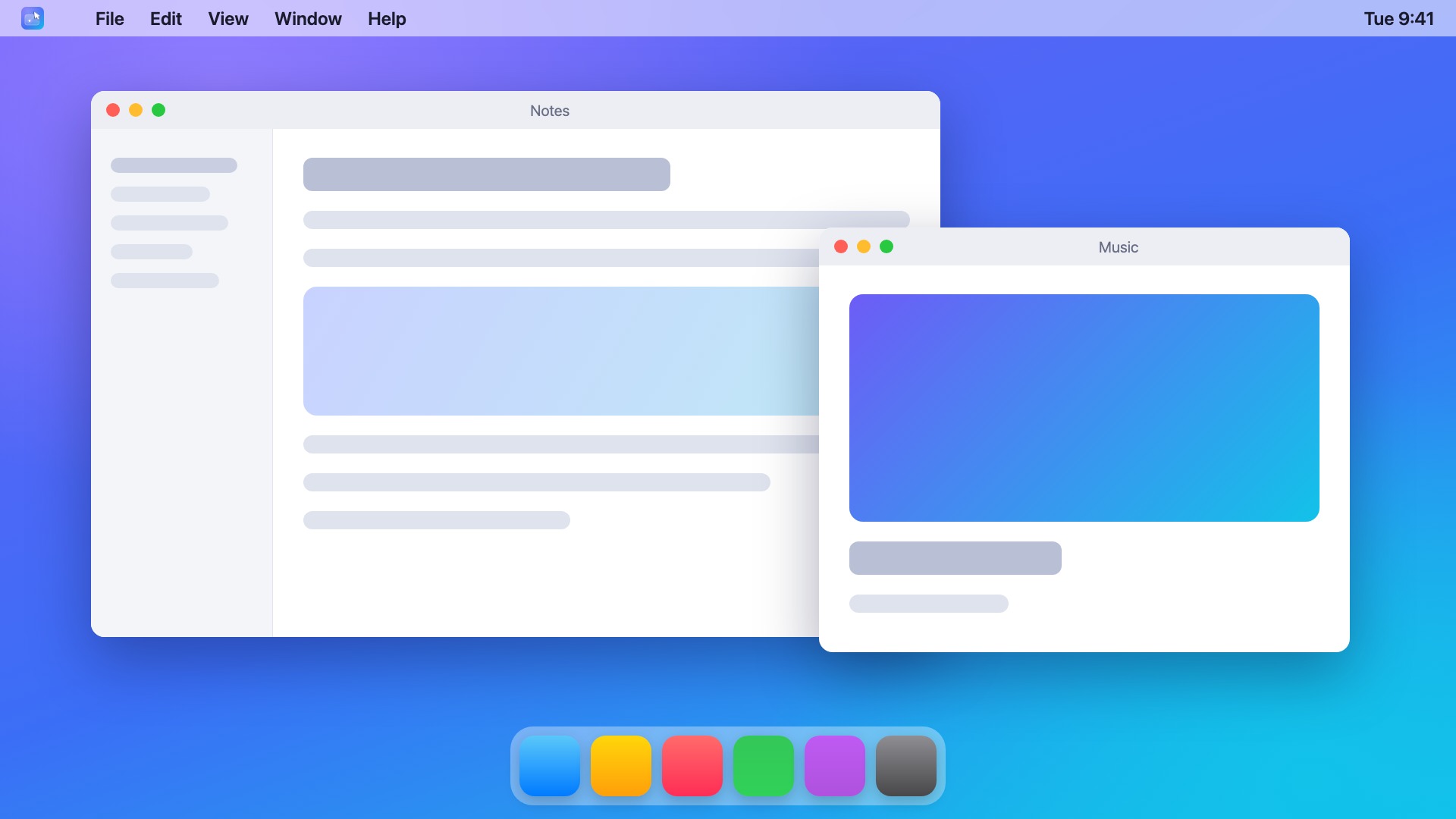
- Generic Mac desktop used in the Screen-mode screenshots (JPEG, 1920×1080)
- App icon (PNG, 1024×1024)
- Logo mark (SVG)
Screenshots, icon and video may be used in coverage of RPad. Please don't alter the icon. Apple, iPhone, iPad, Apple Watch, Apple Pencil and Mac are trademarks of Apple Inc. Linux is the registered trademark of Linus Torvalds in the U.S. and other countries.